
Appearance
Endpoint Input
The example input in the input dialog defines the data available for preview and validation throughout the endpoint editor.
A schema, typically generated automatically from the example input, is used to validate input when the endpoint runs. For most formats, you can also edit the schema directly.
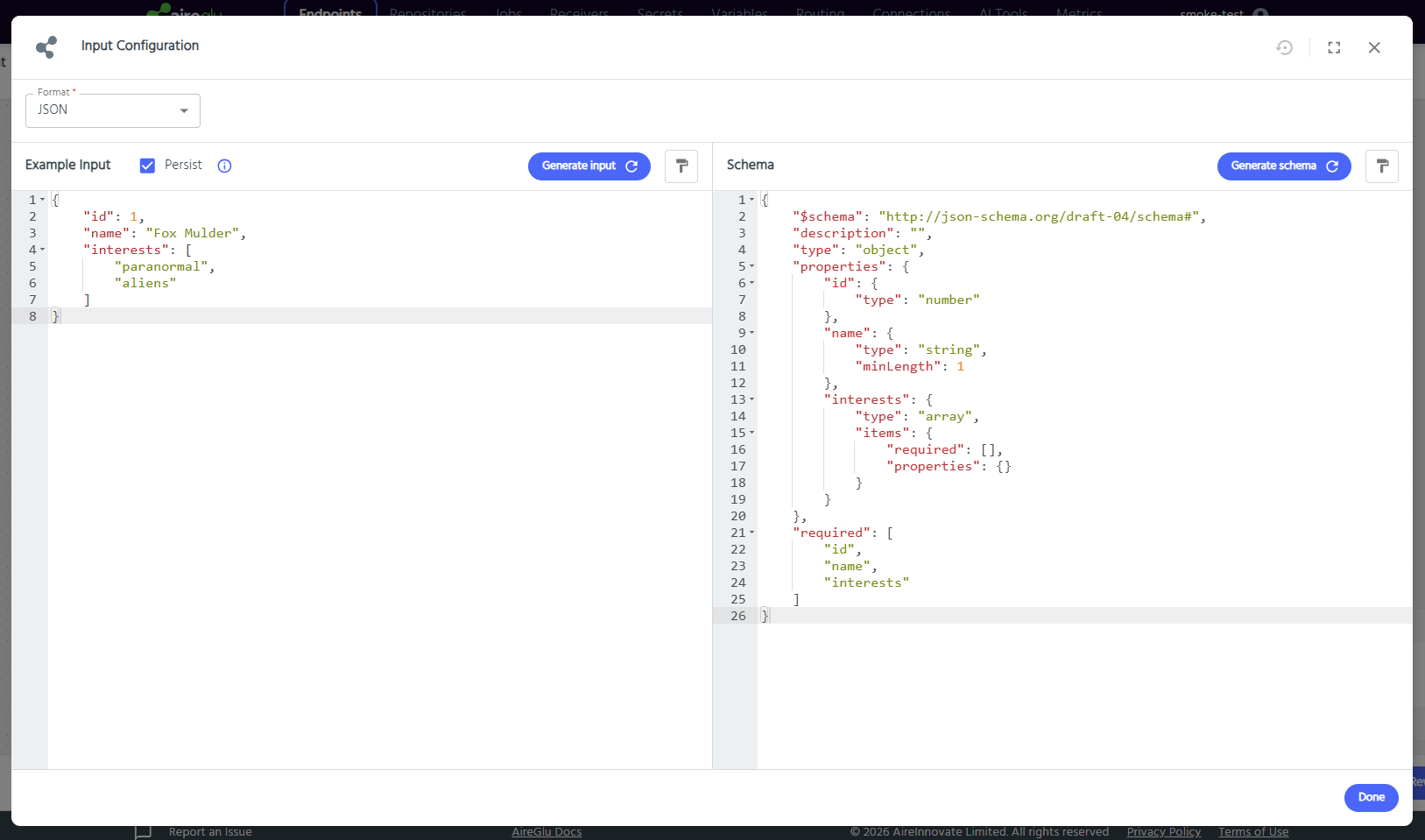
When the endpoint runs, if the input does not meet the schema requirements the endpoint returns a 400 status code and halts further processing.
The input dialog also supports AireBlocks integrations.
Stream Input
Setting the input format to Stream lets an endpoint accept raw binary data (a file upload, for example) instead of a structured document like JSON or XML. There's no structure to validate, so example input and a schema aren't available for this format - the dialog shows an Input and schema are unavailable for the selected format notice instead.
A Stream input isn't intended to be mapped field-by-field like other formats. Instead it's forwarded on to a later task - typically an HTTP Request or AireGlu Endpoint Request task - which sends it on as-is. See those pages for how to reference it.