Appearance
MCP Servers
Preview Feature
This feature is in preview and is not available in production environments.
MCP (Model Context Protocol) servers allow you to expose AireGlu endpoints as tools and resources that MCP-compatible clients such as Claude Desktop, Cursor, and other AI-powered applications can discover and invoke.
Key Concepts
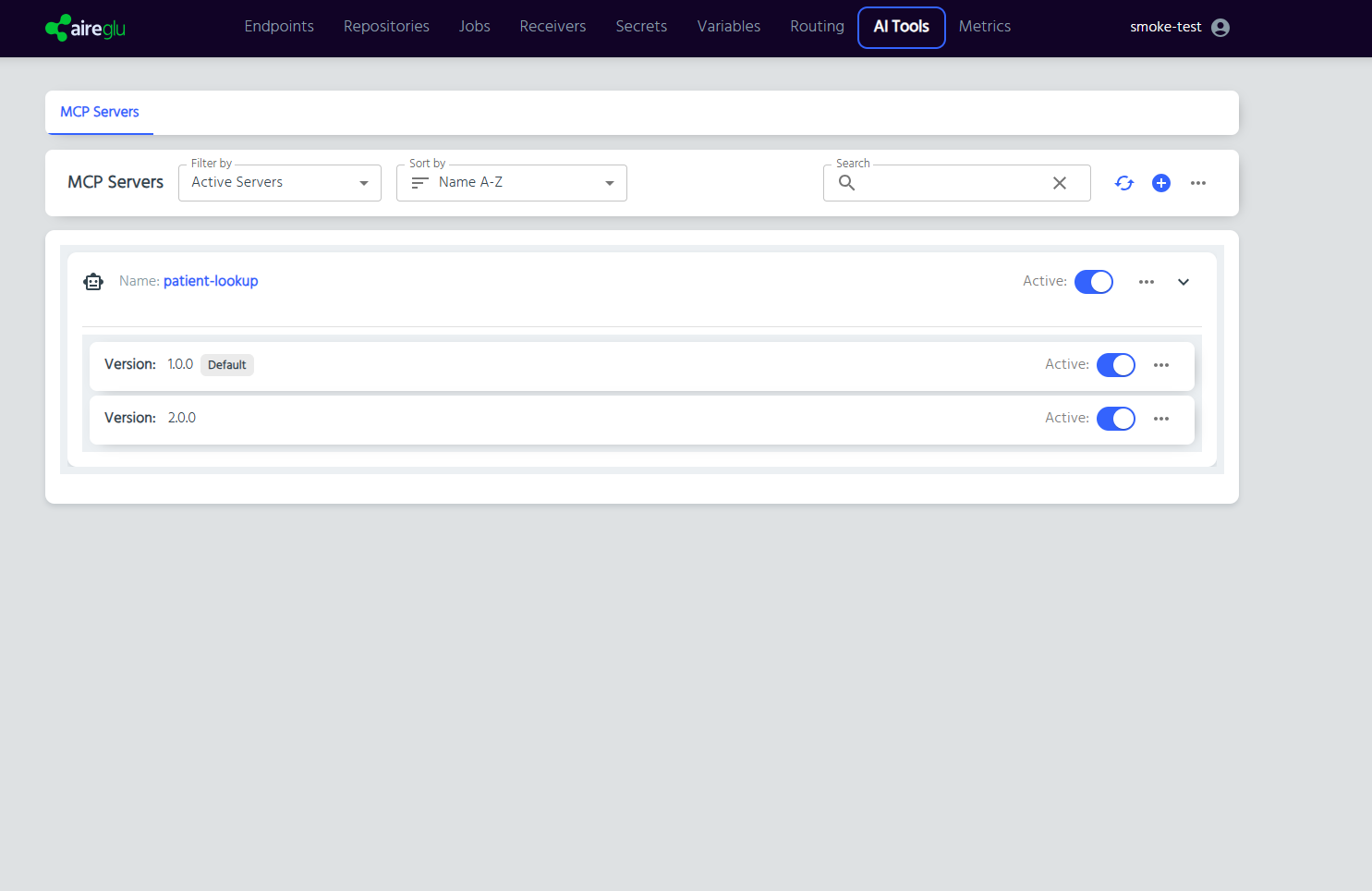
- MCP Server - A named configuration containing one or more versions, each exposing a set of endpoints as tools and resources.
- Version - A semantic version (e.g.
1.0.0) within a server. Each version defines its own set of exposed endpoints and can be activated or deactivated independently. - Default Version - The version used when an MCP client connects without specifying a version in the URI. Can be set during creation or changed later via the server actions menu.
- Tool - An endpoint exposed as an invocable action. MCP clients call tools to perform operations (e.g. submit data, trigger a workflow).
- Resource - An endpoint exposed as readable data. MCP clients read resources to retrieve information (e.g. fetch a dataset, read configuration).
- Connection URI - The URL an MCP client uses to connect to your server.
Permissions
MCP server management requires the following claims on your user account:
| Action | Required Claim |
|---|---|
| View server list | list:McpServerConfig |
| View server details | view:McpServerConfig |
| Create a server | create:McpServerConfig |
| Edit a server | edit:McpServerConfig |
| Delete a server | delete:McpServerConfig |
Contact your administrator if you do not have the required permissions.
Navigation
MCP Servers are found under AI Tools > MCP Servers in the main navigation.